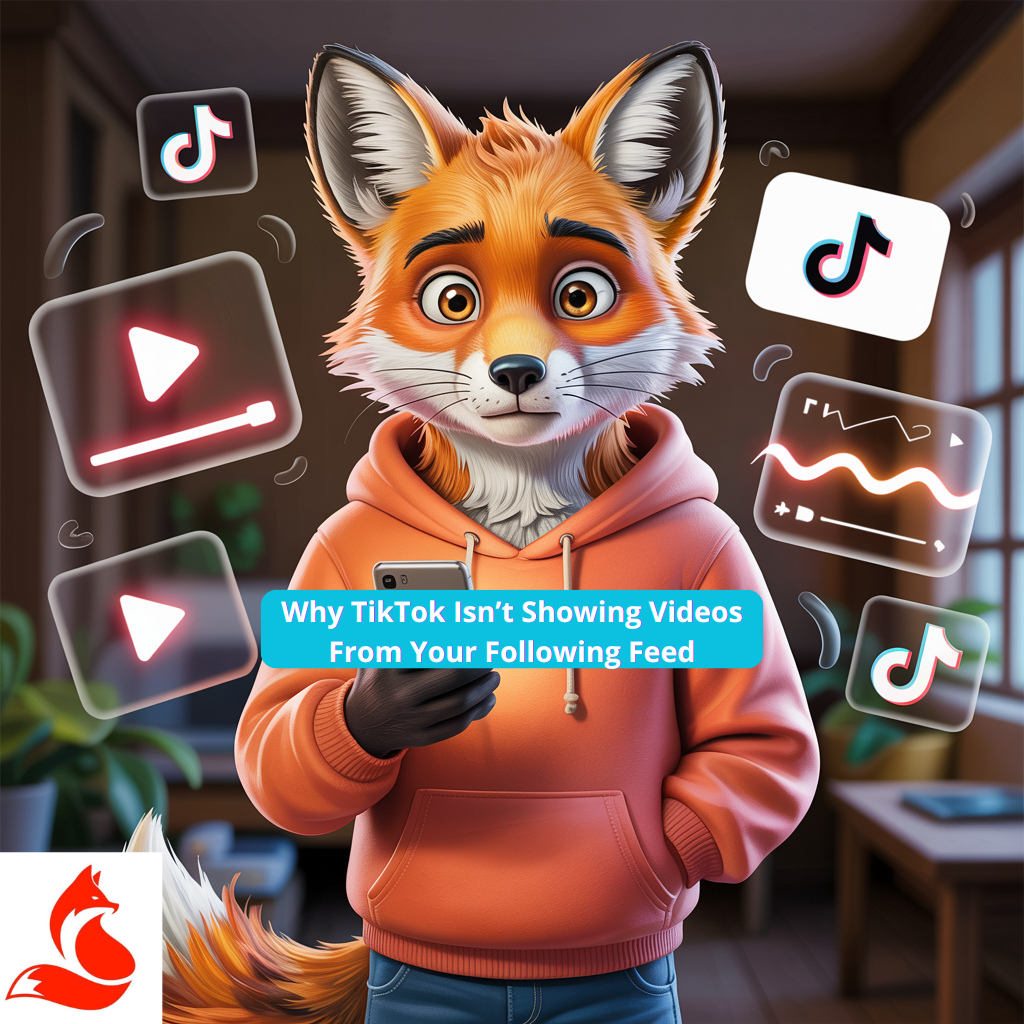
Are subscribed videos not showing or is the Following tab on TikTok empty? This happens even to active users. The problem is often with the cache, filters, or system limits. Check your network, disable VPN, and make sure the app is updated. Sometimes a simple restart helps.
If the problem persists after clearing the cache and updating, check algorithmic signals: 3-5-7 second retention, completion rate, and post freshness. For a soft launch, you can run a safe traffic test with daily limits and geo-control – the goal is not the number, but audience reaction and ER growth. Find a detailed breakdown with checklists in the article Buy TikTok Views.
Quick Interface Toggles
Manually switch between “For You” and “Following”. Refresh the feed by swiping down. If that doesn’t work – try another account or device to rule out local issues.
Mini Checklist Before Retrying
Clear the app cache.
Check if the Following feed display is enabled.
Update the TikTok app to the latest version.
Restart your smartphone.
Enable automatic date and time update (time zone should be “Automatic”).
Check system restrictions: “Quiet Mode”, Digital Wellbeing, time limits, or age filters.
iOS: Settings → Screen Time → Content & Privacy Restrictions.
How the “Following” vs “For You” Feed Works
Where to Find the “Following” Tab and How It Sorts
The “Following” section is formed by activity, not strictly by publication date. The more you interact with a creator, the higher their videos appear in the feed.
Why Some Videos Go to “For You”
TikTok itself decides where to show content best—sometimes even subscriptions’ posts temporarily move to “For You” for additional reach.
How Activity Affects Display Order
Save, comment, watch videos to the end. These actions strengthen the interest signal for the algorithm.
Algorithmic Reasons for Lack of Display
Low Activity on a Subscription Account
If you haven’t shown interest in a creator for a long time – TikTok reduces their frequency in your feed. To bring the content back, watch 3–5 of their videos in a row.
If the feed still “forgets” the creator, subscribe to them and share their video in DMs a couple of times – the algorithm will restore impressions faster. For direct communication, check if mutual message access is open and there are no privacy restrictions. Detailed reasons and quick fixes are in the article Can’t Send Video to a Friend on TikTok.
Mute, Content Restrictions, Age Flags
If videos receive an age flag or are marked as sensitive, they are temporarily hidden. Check filters and restrictions in settings.
Temporary Reach Drops for the Creator
It happens that even top creators experience a “dip” in reach. Recovery usually takes 24–48 hours.
Shadow Moderation
If you suddenly increased activity (mass follows, likes, reports) — the account may go into shadow moderation for 24–72 hours. Solution: take a break, delete questionable videos, and wait for recovery.
Why TikTok Doesn’t Show Subscribed Videos: Specific Scenarios
Recently Subscribed, But No Videos
The algorithm doesn’t immediately activate new subscriptions. Show interest — watch, save, comment.
Creator’s Videos Are Region-Restricted
Some videos are unavailable due to geo-restrictions. Try using a VPN of another country to confirm the video exists.
Creator Posts for “Friends” or Limited Audience
If posts are visible only to friends — you won’t see them until the creator changes privacy settings.
Profile Settings and Privacy That Hide Content
Filters, Keywords, Age Restriction
Content filters and keywords can hide posts. Ensure age filters and restricted content mode are not activated.
Notification Settings and Section Priority
If the Following feed is silent — disable “For You” priority. Check if “Quiet Mode” or digital wellbeing features are enabled.
Muted Users and Quiet Subscription List
Remove creators from the “quiet list” if you want to see them again in your feed.
Account Limits and Violations
Where to View Strikes and Warnings
Open the Safety Center and check your account status. Violations can limit reach.
How Restrictions Affect the Following Feed
Videos with violations may not appear even in “Following”. After an appeal, give the system 48 hours to update the status.
When and How to Submit an Appeal
If the restriction is mistaken – submit an appeal. After review, reach usually returns.
Music, Rights, and Geography
Tracks Unavailable in Your Region
Some tracks aren’t licensed for your country. Replace the sound with an available alternative.
Business Account and Limited Sound Library
Business accounts have reduced sounds: use “Commercial sounds” or your own originals.
What to Do If a Sound or Region Is Blocked
Re-upload the video with a permitted track. The algorithm will check and restore the display.
Technical Issues: Cache, Network, App Version
Clearing Cache, Restarting, Re-logging In
Clear the cache, log out and back into your account. Sometimes clearing app data helps (Android).
Checking Network and Disabling VPN/Proxy
Check connection stability and IP correctness.
Check IPv6/IPv4 — some providers mistakenly apply CGNAT.
Switch DNS to 1.1.1.1 or 8.8.8.8.
On Android, reset network settings.
Updating the App and Testing on Another Device
Update the app to the latest version. Check if the problem repeats on another device.
Action Checklists
User Checklist
Clear cache and restart TikTok.
Check filters, notifications, and content restrictions.
Disable VPN and Digital Wellbeing.
Enable automatic date and time.
Ensure the app is updated and the network is stable.
Checklist for Creators If Subscribers “Don’t See” You
5–7 posts per week.
Track ER of the last 10 videos and 3-second retention.
Sign of a dip: Following reach drops more than 30% over 72 hours.
Check strikes and don’t use restricted tracks.
Compact Tables
Table 1. Symptom → Cause → What to Do
Symptom
Likely Cause
What to Do
“Following” tab is empty
Cache or filters
Clear cache, restart TikTok
No videos from a specific creator
Privacy, region
Check restrictions and region
Old posts instead of new ones
Low activity
Increase engagement
Videos not loading
Network, DNS, IPv6
Check network, change DNS
Table 2. Technical Steps by Platform
Platform
Where to Clear Cache
Additional Step
iPhone
Within the app
Reinstall if necessary
Android
Settings → Storage → Cache
Clear app data, reset network
Web
Incognito, cookies
Disable extensions, VPN
When to Contact Support
What Evidence to Attach
Screenshot or video of the empty tab.
App version and device model.
Account ID (copied from profile).
Time of request (UTC+your zone).
10–15 second screen recording log.
How to Describe the Problem to Speed Up Response
Be specific: “Subscribed videos not showing on TikTok, cache cleared, VPN disabled”. Specify time and device model.
Response Times and Follow-ups
TikTok support responds on average within 1–3 days. If no response – repeat the request after 72 hours.
FAQ – Ready Q&A Block
Why Aren’t Subscriptions Showing on TikTok
Reasons – temporary glitches, content restrictions, low activity, or network errors. Check filters and clear cache.
How to Make My Subscriptions Show More Often
Watch, like, and save videos from desired creators. The algorithm quickly returns them to the feed.
Why Do I See a Creator’s Videos Only in “For You”, Not in “Following”
TikTok ranks content by interest. Increase activity, and posts will reappear in Following.
Can Music Hide Videos from Subscriptions
Yes. Business accounts have limited sounds, so use Commercial Sounds or original tracks.
Does Reinstalling the App Help
Yes, especially if the cause is cache or version conflict. Just don’t forget your login and password.
Experienced SMM, social media, and SEO specialist. 📈 Currently working at Foxy-IT. I help businesses and brands attract the right audience, build a strong image, and hit measurable goals online. I have 5+ years of experience in promotion, strategy development, and content optimization. Ongoing learning and trend analysis help me deliver effective, up-to-date solutions for clients. I manage projects end-to-end - from idea to results - making your business more visible and successful.
Twitter / X LinkedIn



 Twitter / X
  LinkedIn
 Social media boosting
 Promotion
 Blog
Blog